A Photoshop script that replaces blind centre-cropping with directional control, so batch exports keep their composition.
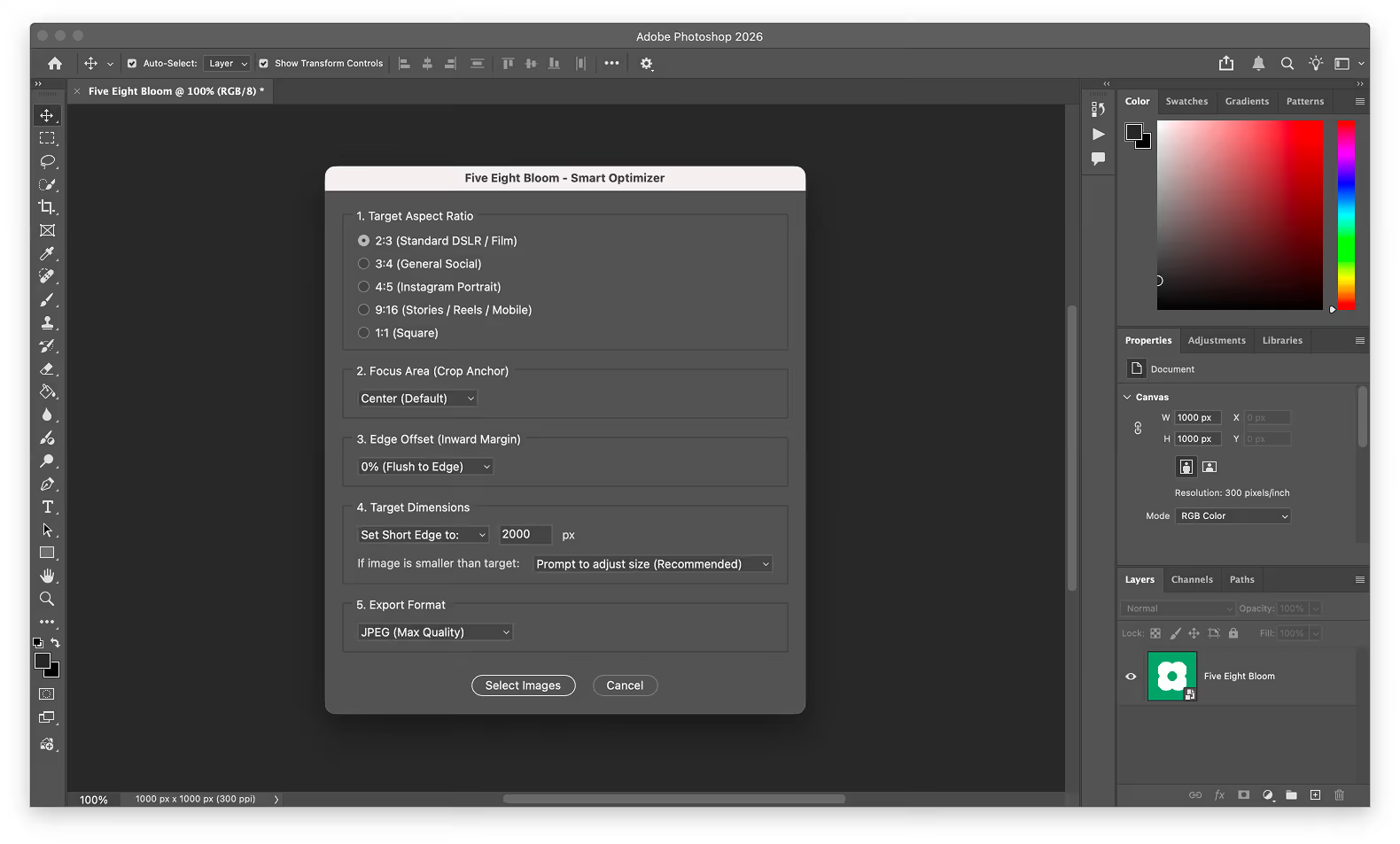
It crops to centre regardless of where the subject sits, and it upscales anything too small rather than stopping. Neither failure is visible until the export is done.
A directional grid lets the crop box be pinned where the subject actually is, protecting faces and architectural peaks that centre-cropping would cut.
When a file is too small for the target, the script halts and prompts rather than shipping algorithmic blur — an interruption is cheaper than a ruined batch.
WebP and AVIF alongside JPEG and PNG, so the same run produces both archive and delivery assets.
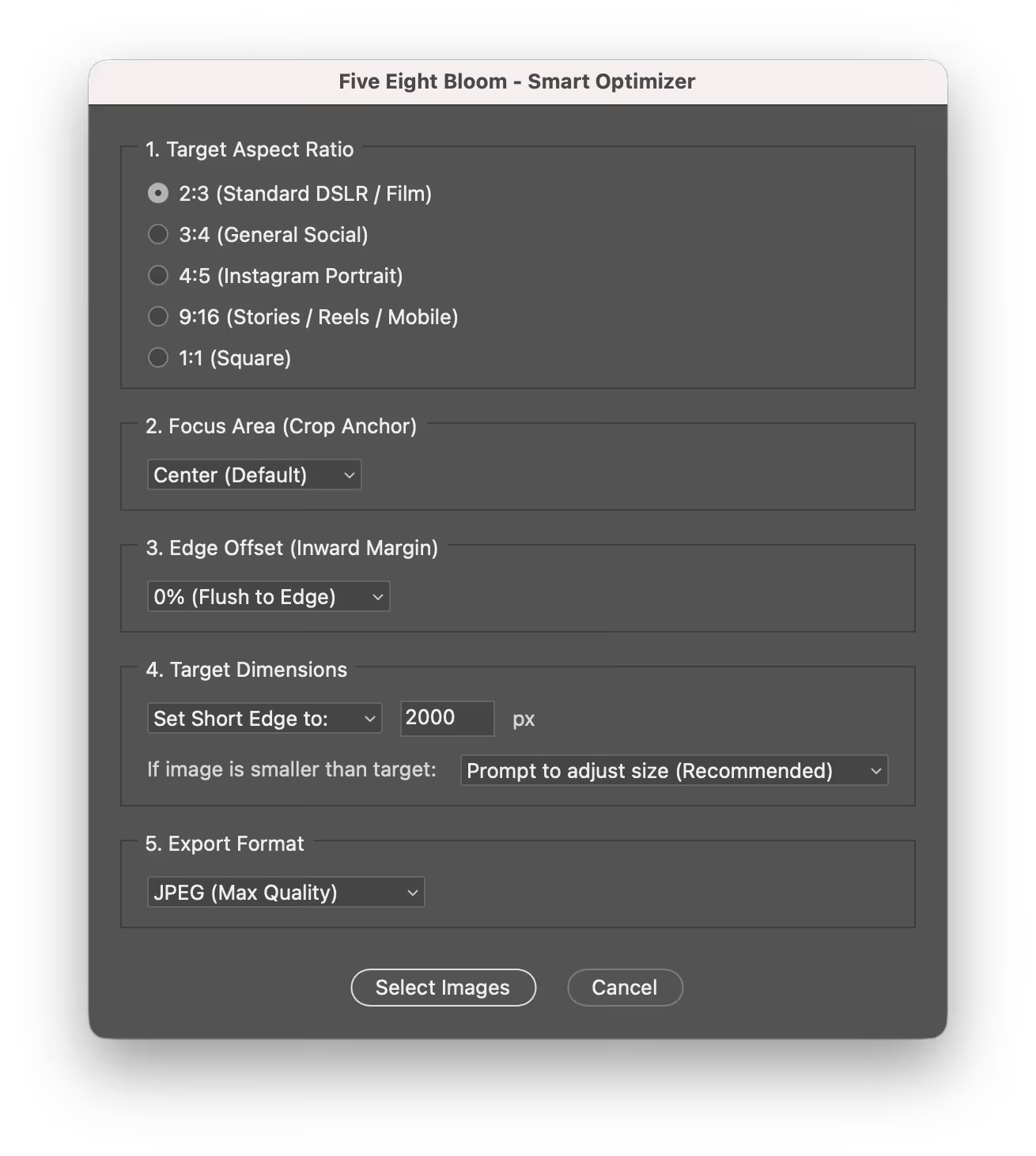
Directional crops and edge offsets keep framing intact across mixed orientations.
Upscale protection stops the run instead of degrading the file.
Next-gen and standard formats exported together.